Security camera maintenance: Ultimate Clarity 2025
Security camera maintenance: Ultimate Clarity 2025
Why Your Security Camera’s View Matters More Than You Think
Security camera maintenance is the regular cleaning, inspection, and upkeep of your surveillance system to ensure it captures clear footage when you need it most. Here’s what you need to do:
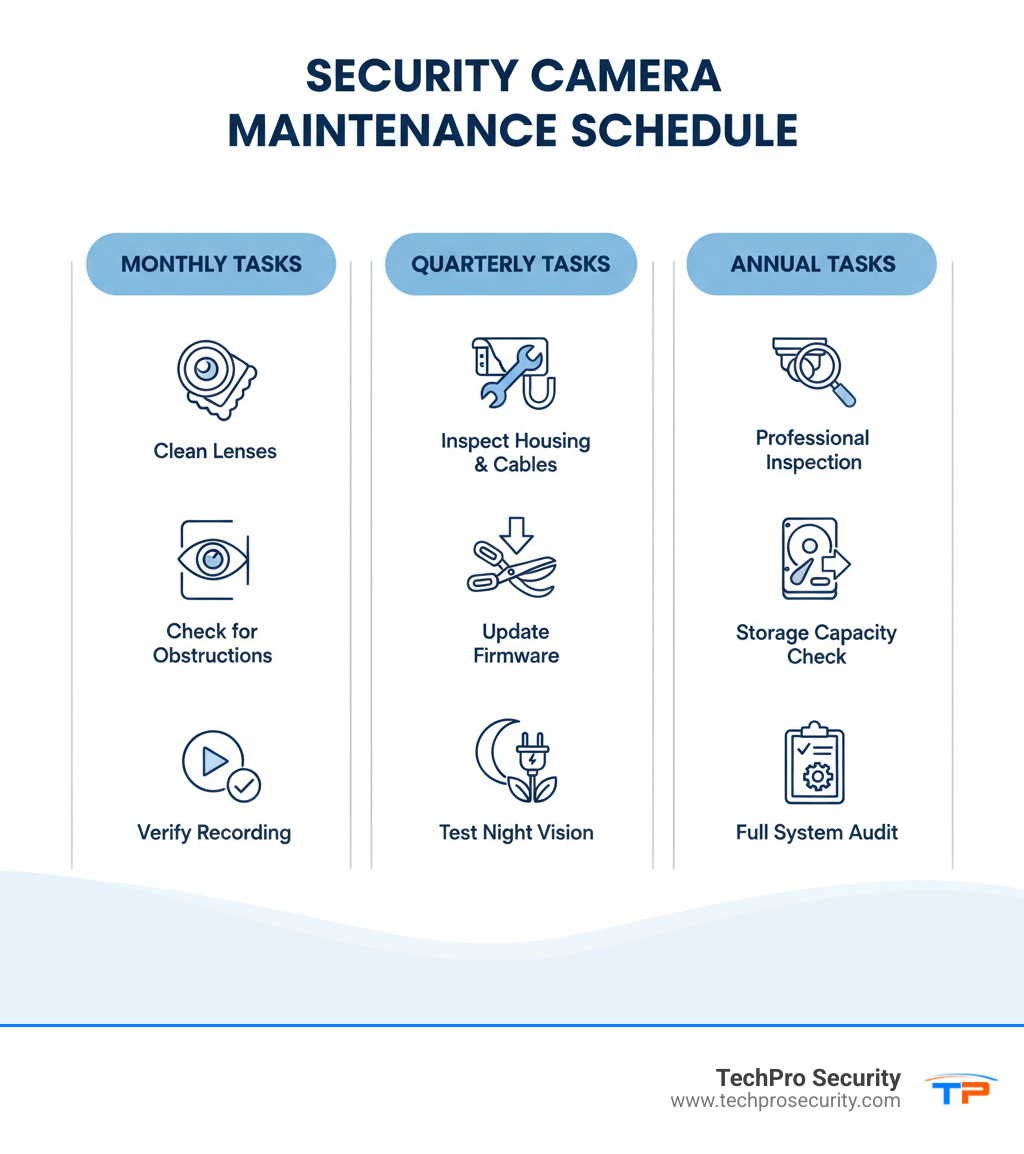
Essential Maintenance Tasks:
- Monthly: Clean camera lenses with a microfiber cloth, check for obstructions
- Quarterly: Inspect housing for damage, verify all cameras are recording, trim nearby vegetation
- Annually: Update firmware, check storage capacity, inspect cables and power supplies, test night vision
Ever pulled up footage from a critical moment, only to find a blurry mess? It happens more often than you’d think. Unlike your car, security cameras fail silently—collecting dust, losing focus, or stopping recording without warning. You won’t know there’s a problem until the footage is unusable.
The reality is that well-maintained systems last 40% longer and experience 62% fewer failures. Minor buildup can reduce nighttime visibility by up to 50%, and power issues account for nearly 40% of all system failures. These aren’t just statistics—they’re the difference between having evidence and having nothing.
The good news is that most issues are preventable with simple, regular maintenance. A few minutes each month can save you from costly repairs and the frustration of missing critical footage.
I’m Brad Besner, founder of TechPro Security Products in Boca Raton, FL. Since 2007, I’ve helped countless South Florida property owners implement security camera maintenance programs that keep their systems running reliably. Proper maintenance isn’t optional—it’s what ensures your investment works when you need it.
The Ultimate Security Camera Maintenance Checklist
Your security camera system is only as good as the care you give it. Without regular maintenance, you risk blurry footage, system failures, and being left without evidence when it matters most. A consistent camera maintenance checklist is your first line of defense. Let’s walk through the essential routine for keeping your system in top shape.
Physical Inspection and Cleaning
The most hands-on part of security camera maintenance involves inspecting the physical components, which is especially important in South Florida due to our humid climate and salt air.
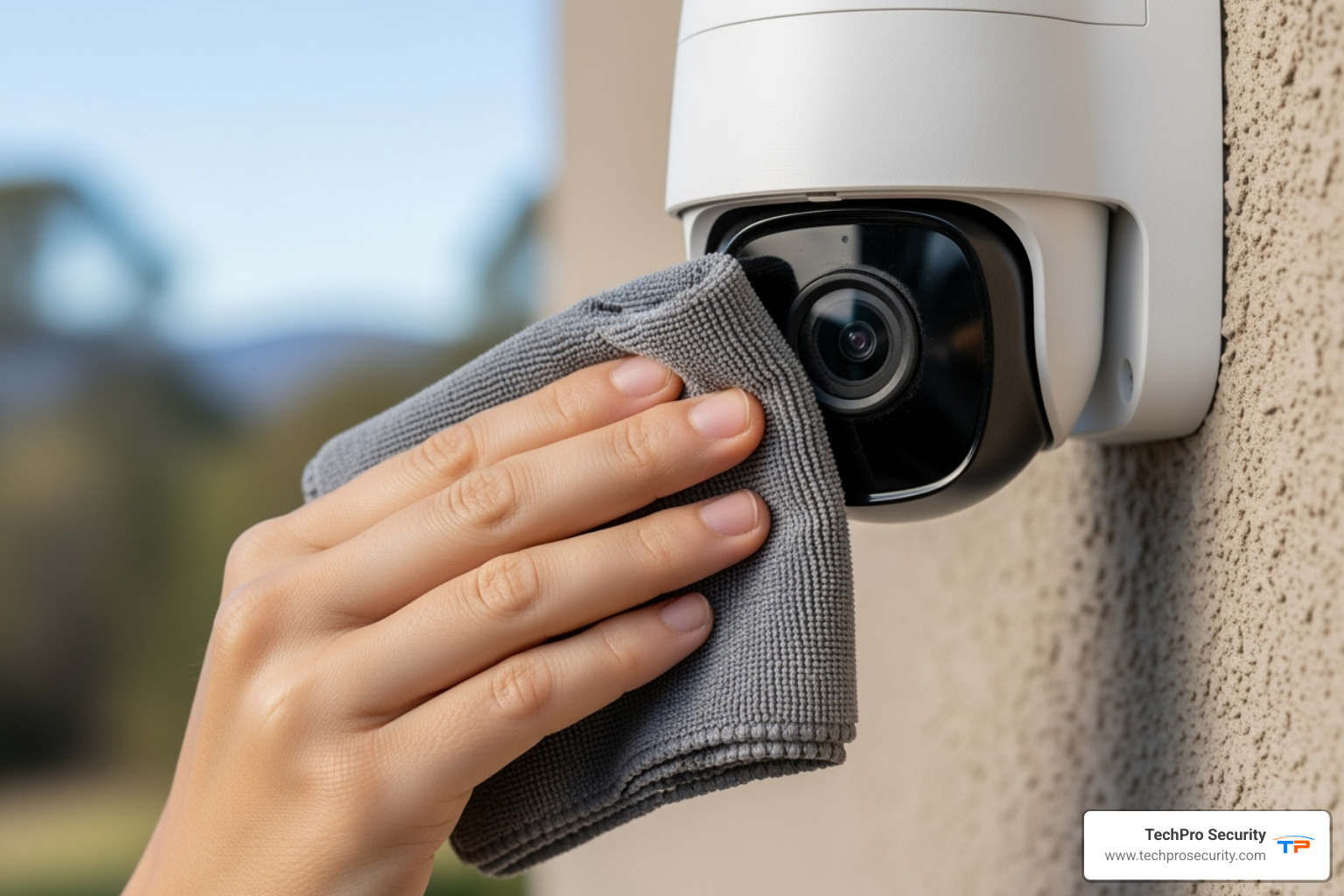
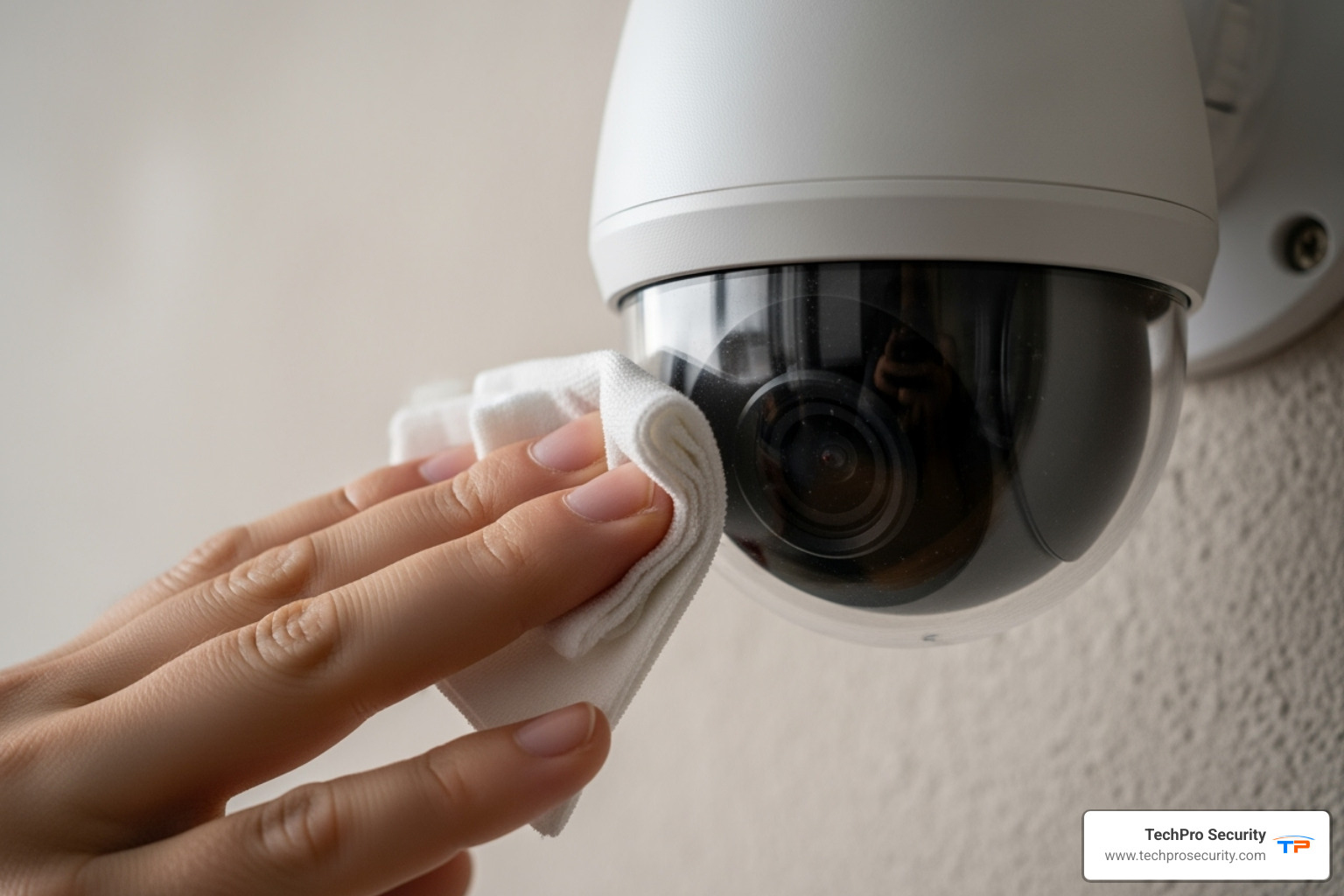
Start with camera lens cleaning, the simplest fix for unclear footage. Clean outdoor lenses every 3-4 months (more often in dusty or coastal areas) and indoor lenses every 6-12 months. Even minor buildup can reduce nighttime visibility by up to 50%. To clean a lens safely, power down the camera. Use a soft microfiber cloth for dust. For stubborn marks, lightly dampen the cloth with a lens-safe solution—never spray liquids directly onto the lens, as moisture can cause serious damage.
Next, inspect the camera housing for signs of physical damage like cracks, which can compromise weatherproofing. Check for moisture inside the housing—a red flag for a compromised seal—and look for corrosion on connectors.
Don’t skip the cable and connector check. Ensure connections are secure and inspect wiring for fraying or damage, which can cause video loss. Finally, confirm cameras are securely mounted, as vibrations can shift a camera’s position and create blind spots.
Software and Firmware Upkeep
Modern security camera maintenance isn’t just physical—the digital health of your system is equally critical. Outdated firmware is a major cybersecurity risk, as hackers target known weaknesses in old software. Manufacturers release security patches to fix these vulnerabilities.
Firmware updates also deliver performance improvements and bug fixes. Enable automatic updates if possible. If not, set a quarterly reminder to check for new firmware and test your system after any major update.
Backend System Health: DVR/NVR and Power
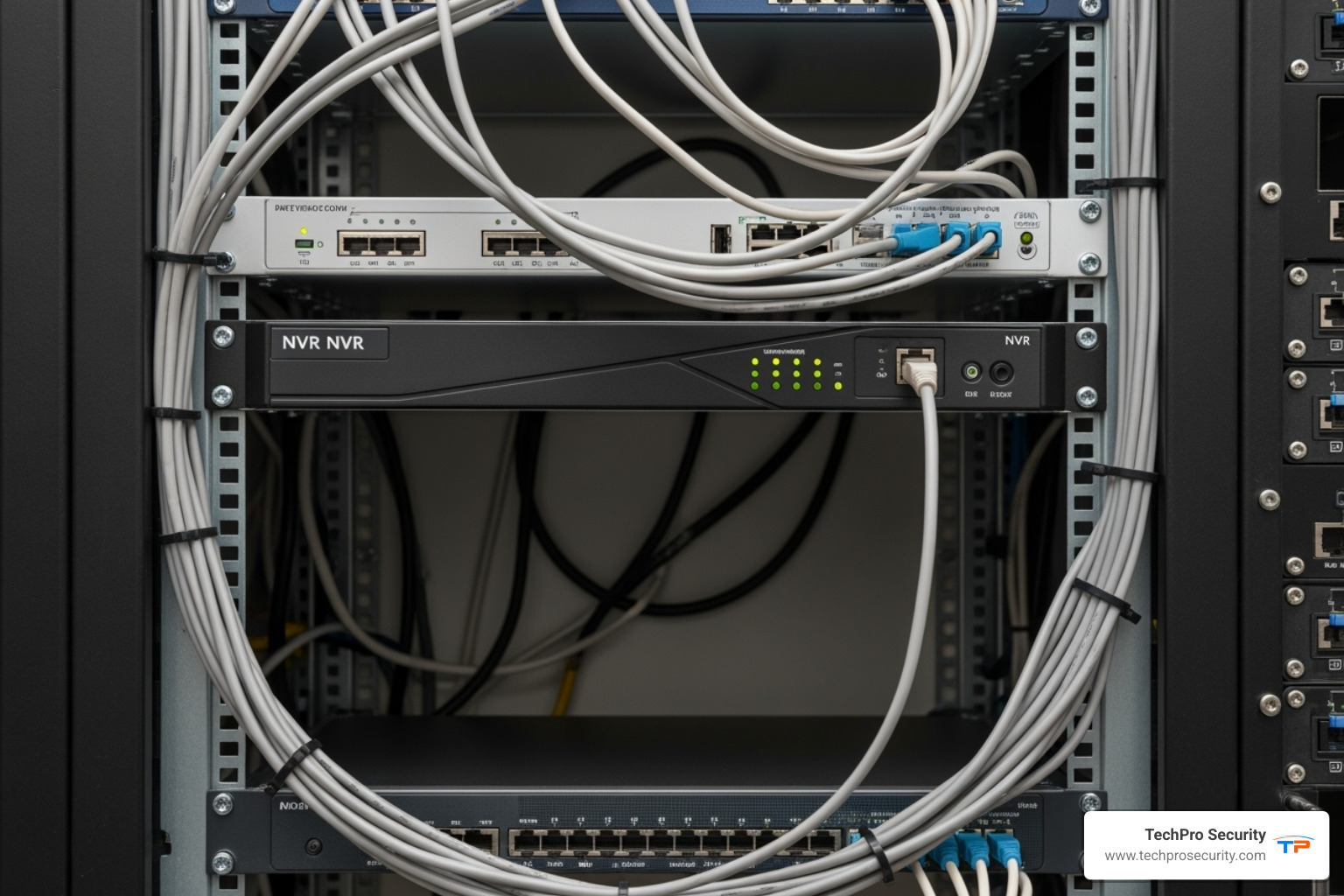
The “brain” of your system—your DVR or NVR—also needs attention. Proper DVR/NVR ventilation is crucial to prevent overheating. Use canned air annually for dust removal from vents and ensure the unit has good air circulation.
Regularly check storage capacity to ensure your system doesn’t stop recording. The average hard drive lifespan is 3-5 years; consider proactive replacement. Power is often overlooked, yet power-related issues cause nearly 40% of system failures. During a power supply inspection, check that all components are firmly plugged in and inspect for corrosion.
We strongly recommend an Uninterruptible Power Supply (UPS) to protect against power surges and outages, ensuring continuous recording. In Florida, a UPS is a necessity.
Protecting Outdoor Cameras from the Elements
Outdoor cameras in South Florida face intense sun, humidity, and rain. Effective weatherproofing starts with choosing cameras with high IP ratings (IP66 or higher), but you should still inspect the housing regularly for any compromise.
Environmental debris is an ongoing battle. Spider webs are notorious for causing fuzzy night vision because they reflect the camera’s IR light. Apply a bug repellent to the camera housing to deter them. Also, remove insect nests from wasps or mud daubers. Pruning vegetation is also essential. In South Florida, branches can grow quickly, blocking views. Keep the camera’s line of sight clear.
Finally, protective measures for coastal areas are critical, as salt air accelerates corrosion. If you’re near the coast, clean and inspect cameras more frequently (every 2-3 months).
For more detailed guidance on maintaining your commercial surveillance system, check out our comprehensive business security camera maintenance guide.
Troubleshooting Common Camera Failures
Even with a solid security camera maintenance routine, things can go wrong. The good news is that most issues have straightforward solutions.
Let’s walk through the most common problems we see at TechPro Security and how to fix them.
Blurry Footage or Poor Night Vision
Blurry footage is a common, frustrating issue, but it’s often an easy fix.
Start with the dirty lens; dust, water spots, or residue can ruin footage. A gentle wipe with a microfiber cloth and lens-safe solution often provides an immediate fix. If that doesn’t help, check for condensation inside the housing, which indicates a compromised seal that needs professional repair.
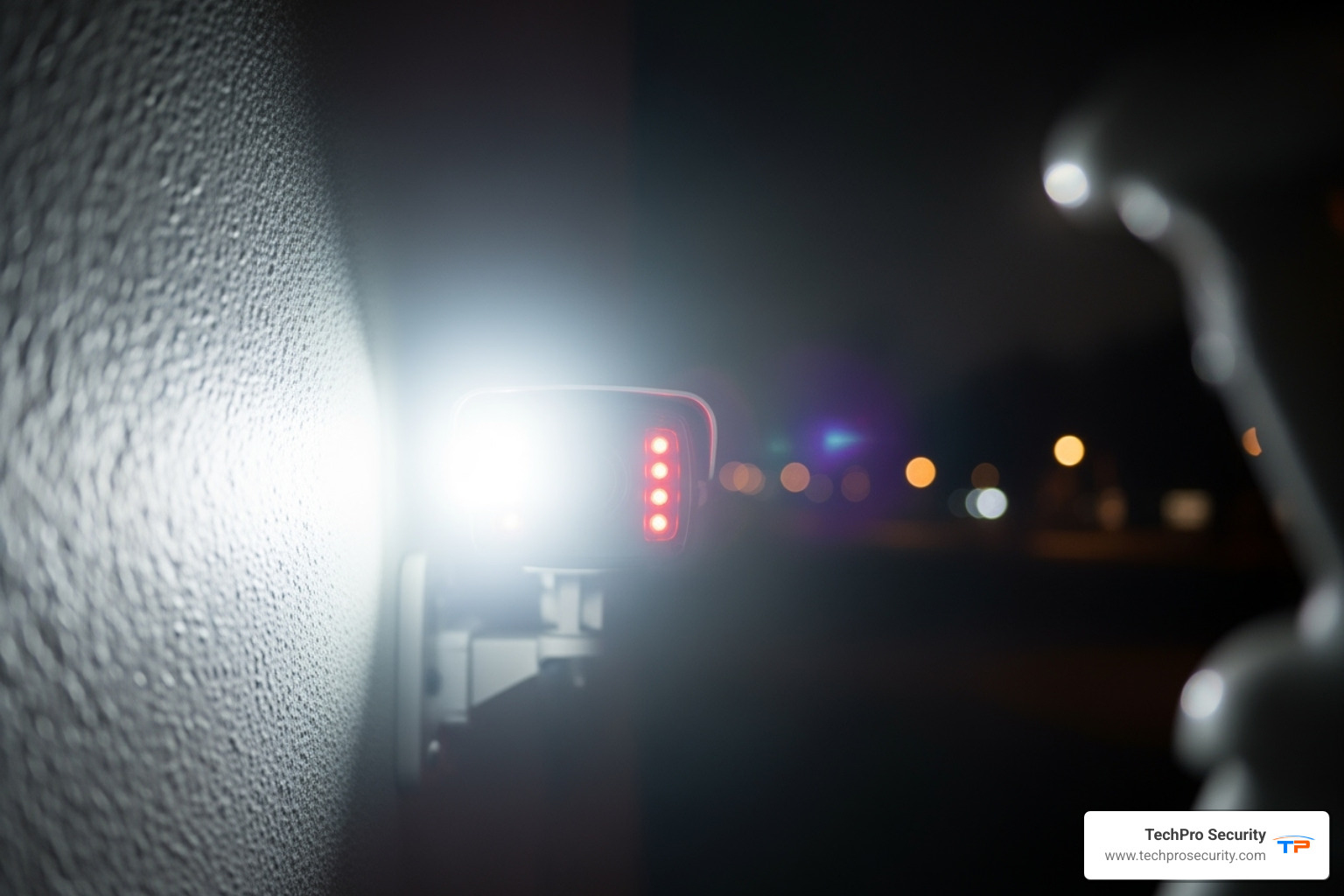
The issue could also be incorrect focus from a bump or setting change; log into your camera’s settings to adjust it. Poor night vision often indicates IR glare, where infrared light reflects off a nearby surface. Repositioning the camera or cleaning the dome can often fix this. Finally, look for physical obstructions like new tree branches or spider webs.
Camera Downtime and Connectivity Issues
An offline camera defeats the purpose of a security system. When a camera goes dark, here’s how to troubleshoot.
First, check the power connection. Loose cables are a common cause of failure. For IP cameras, inspect the network cable for damage or loose connections. For Wi-Fi cameras, Wi-Fi interference from walls, other devices, or distance from the router can be the problem; try moving the camera closer or using an extender.
Often, simple rebooting procedures can fix glitches: unplug the camera for 30 seconds, then plug it back in, and reboot your DVR/NVR too. If these steps don’t work, it’s time to call the pros. For residents and businesses in our service area, knowing when to seek fast and reliable surveillance camera repair in west palm beach can save you hours of frustration.
Responding to Physical Damage and Tampering
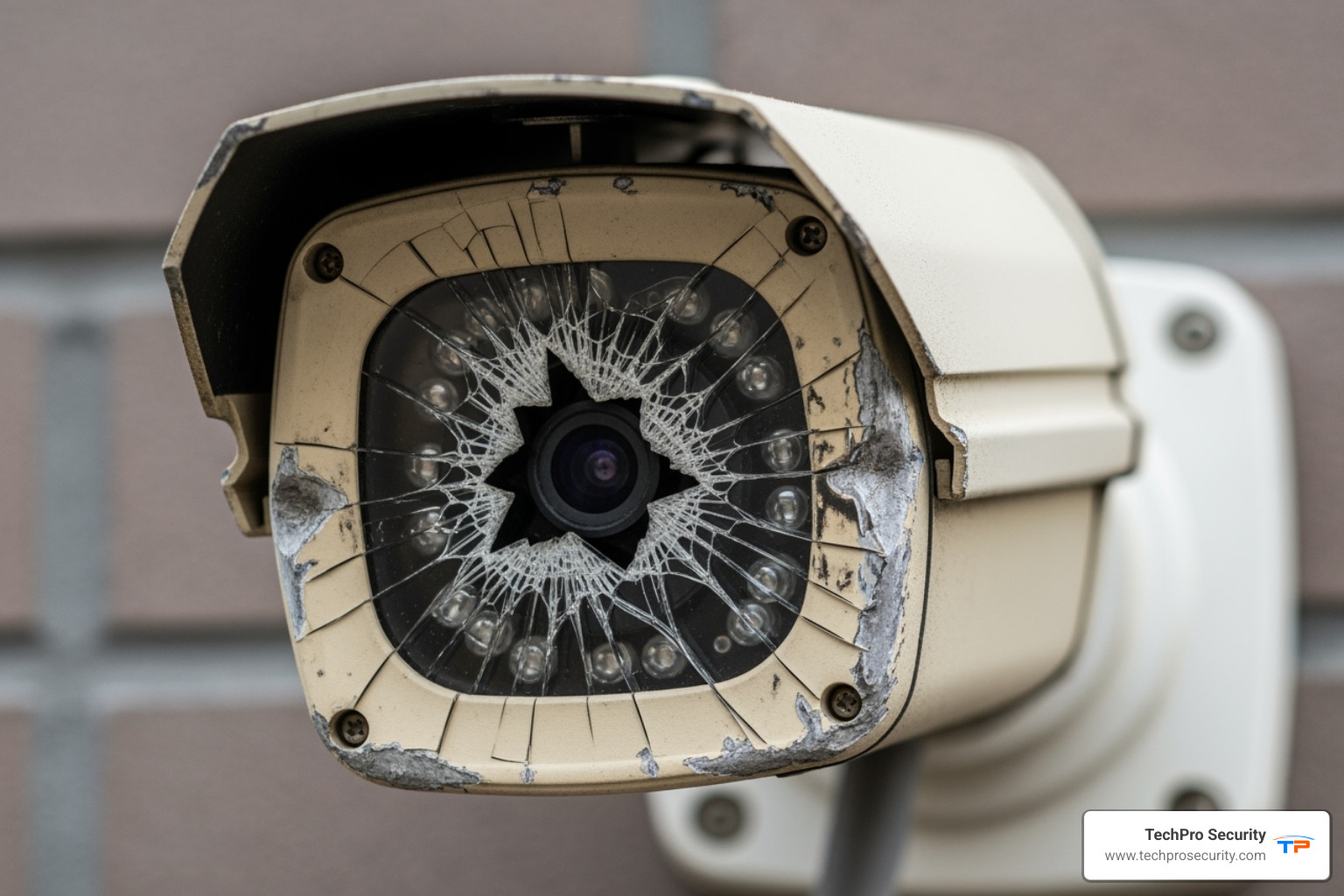
Physical damage or tampering is a serious security vulnerability. Look for signs of vandalism like a cracked housing, cut wires, or a misaligned camera. Damage isn’t always obvious; a slightly bumped camera or a tiny crack can lead to blind spots or water damage, which is why routine inspections are vital.
Many modern systems include automated tamper detection features, which alert you instantly if a camera is covered, moved, or blinded. This allows you to respond in seconds, not days. If you find significant physical damage, don’t attempt a DIY fix. Knowing when to call for security camera maintenance and repair protects your investment and ensures your security is properly restored.
The Payoff: Why Proactive Security Camera Maintenance Matters
We’ve covered the “how-to” of security camera maintenance, so let’s focus on the “why.” Regular upkeep is an investment in reliability, longevity, and peace of mind. It’s also one of the most effective methods of reducing crime.
Extend Lifespan and Reduce Costs
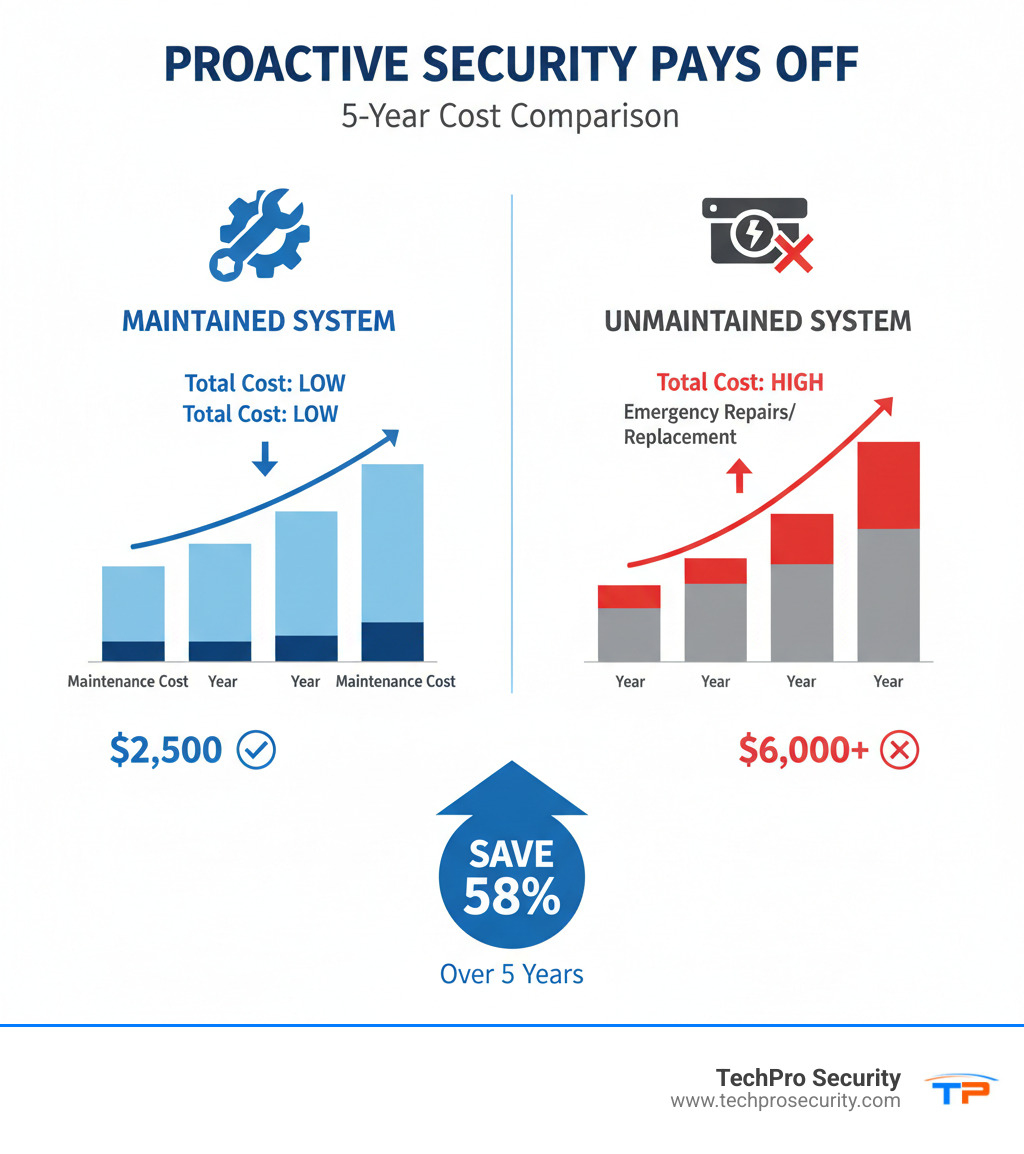
The numbers don’t lie: well-maintained systems last 40% longer, experience 62% fewer failures, and reduce total ownership costs by 30-40%. In real-world terms, this means replacing cameras less often and catching issues during routine maintenance instead of paying for emergency repairs.
The long-term financial benefits are significant: increased equipment lifespan, reduced emergency repair costs, lower total cost of ownership, and minimized downtime. Preventive maintenance can reduce system failures by up to 70%. Many of our South Florida clients have avoided massive repair bills and security breaches simply by investing in regular upkeep.
Ensure Evidentiary Quality and Reliability
Imagine needing critical footage, only to find it’s blurry, corrupted, or missing. Security camera maintenance ensures you’re maintaining clear footage with accurate timestamps for identification and legal evidence.
Beyond just capturing footage, maintenance is about system reliability during critical incidents. Your system must work to protect you when you need it most. That’s what peace of mind really means: knowing your surveillance system will capture events clearly and completely. For more comprehensive insights, our camera maintenance guides offer detailed advice.
At TechPro Security, we build our reputation on this reliability. Regular maintenance ensures your system will be there when you need it most.
Frequently Asked Questions about Camera Upkeep
Here are answers to the most common questions I get about security camera maintenance.
How often should security cameras be cleaned?
For outdoor cameras, clean them every 3-6 months. In South Florida, more frequent cleaning is needed near roads, construction, or the coast due to pollen, dust, and salt air. Indoor cameras typically need cleaning every 6-12 months, unless they are in greasy or dusty areas like kitchens.
My best advice: Visual inspection is key. Check your cameras monthly and clean them whenever you spot smudges or webs.
Can I use regular glass cleaner on my camera lens?
No. Regular glass cleaners contain harsh chemicals like ammonia that strip away the protective anti-glare coatings on your camera lens, causing permanent damage. Instead, use a dedicated lens cleaner or isopropyl alcohol on a microfiber cloth. Importantly, dampen the cloth first—never spray directly on the lens, as liquid can seep inside and cause electrical damage.
What is the average lifespan of a security camera system?
With proper security camera maintenance, a quality camera can last 5-10+ years. However, the DVR or NVR hard drive typically lasts only 3-5 years due to constant 24/7 operation. We recommend proactively replacing the hard drive within this timeframe to avoid sudden failure and lost footage.
The bottom line is that proactive camera maintenance and repair extends the life of your entire system, protecting your investment.
Ensure Your Security System is Always Ready
Here’s the bottom line: security camera maintenance isn’t something you can put off until you notice a problem. By then, it’s already too late. The footage you needed is gone, blurry, or never recorded in the first place.
The simple tasks we’ve covered—cleaning a lens, checking cables, updating firmware—are small investments of time that protect your larger investment in security and peace of mind. A security system is only as good as its reliability. Regular maintenance transforms it from a passive device into an active guardian, ensuring you capture what you need, when you need it.
We’ve seen countless preventable failures in South Florida: footage missed due to a spider web, or a DVR that stopped recording because its hard drive was full.
For residents and businesses across Boca Raton, West Palm Beach, Fort Lauderdale, and throughout South Florida, TechPro Security is here to help. Our comprehensive CCTV services ensure your system stays in top shape, year-round. Whether you need a one-time inspection, regular maintenance visits, or emergency repairs, our experienced team provides the expert care your security investment deserves.
Your security system should work for you, not the other way around. With the right maintenance routine—and the right partner to support you—you’ll never have to wonder if your cameras are ready. They will be.
Related: 4K CCTV cameras